Using video in Moodle

With Nudgis, record, upload and share video lessons to create the best teaching and learning experience within Moodle.

Effortlessly integrate
all your videos to Moodle.

The Nudgis video platform is now compatible with Moodle, so you can teach with educational videos. Once you are logged in as a teacher to your Moodle account, add a Nudgis resource, and be ready to start uploading and recording interactive videos in no time!
An integration
officially certified
by Moodle!

I want a demo

Enhance your courses

Integrate interactive videos directly into your Moodle courses.

More engagement

Capture your students’ attention with interactive video content.

Tracking and results

Track learner engagement and progress directly from Moodle.

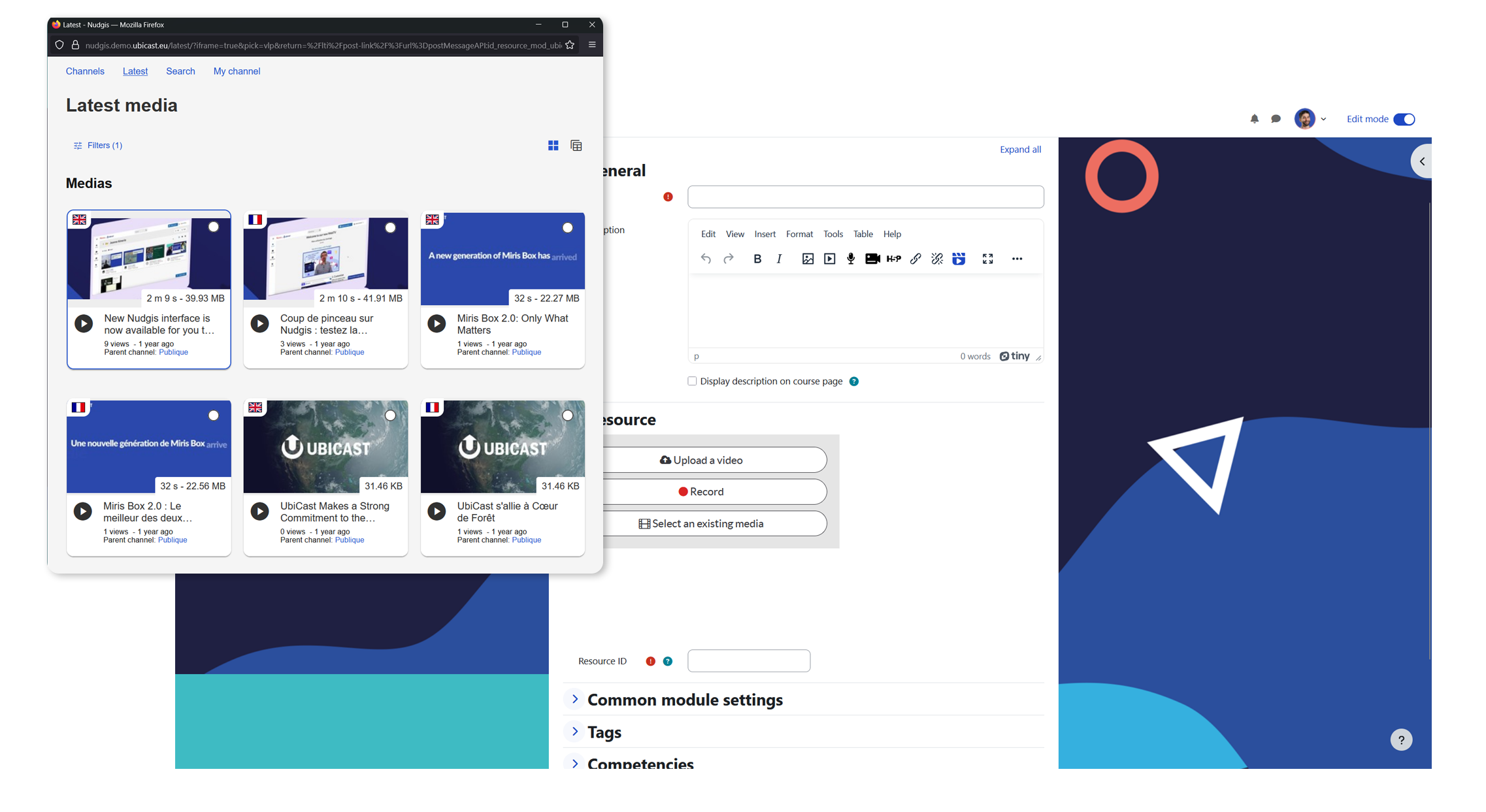
Upload video content from your Nudgis channel or computer.


Have you already recorded a video lesson that you'd like to share on Moodle? Thanks to our brilliant integration, you can add videos previously recorded from your personal channel on Nudgis or pick the video of your choice from your computer.

add video in Moodle
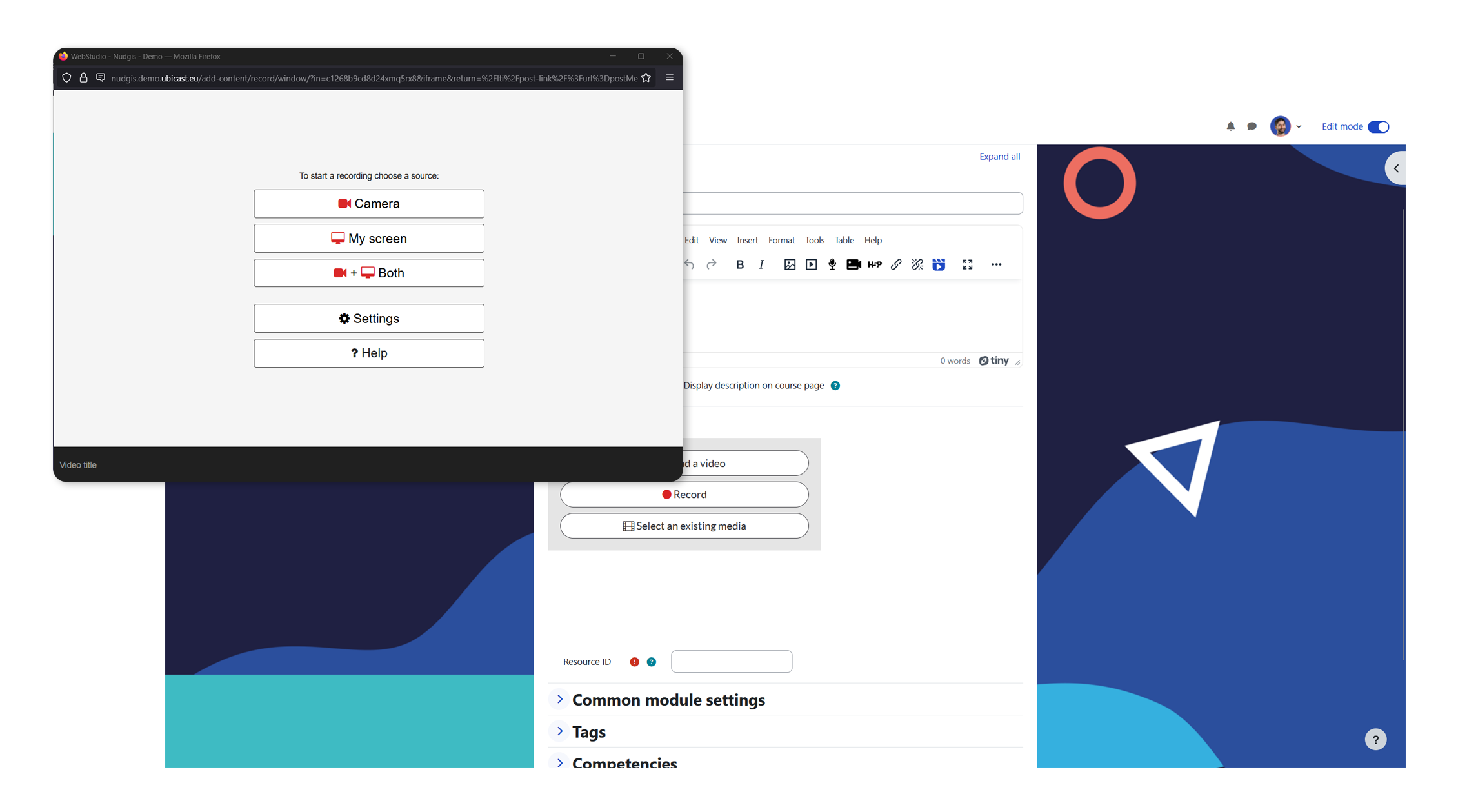
record video in Moodle

Record videos within Moodle.


The best part of the Nudgis for Moodle is that you can also capture your webcam and slide presentation to create and share interactive videos directly from your LMS. No need to go to your Nudgis platform, your video platform is coming for you!

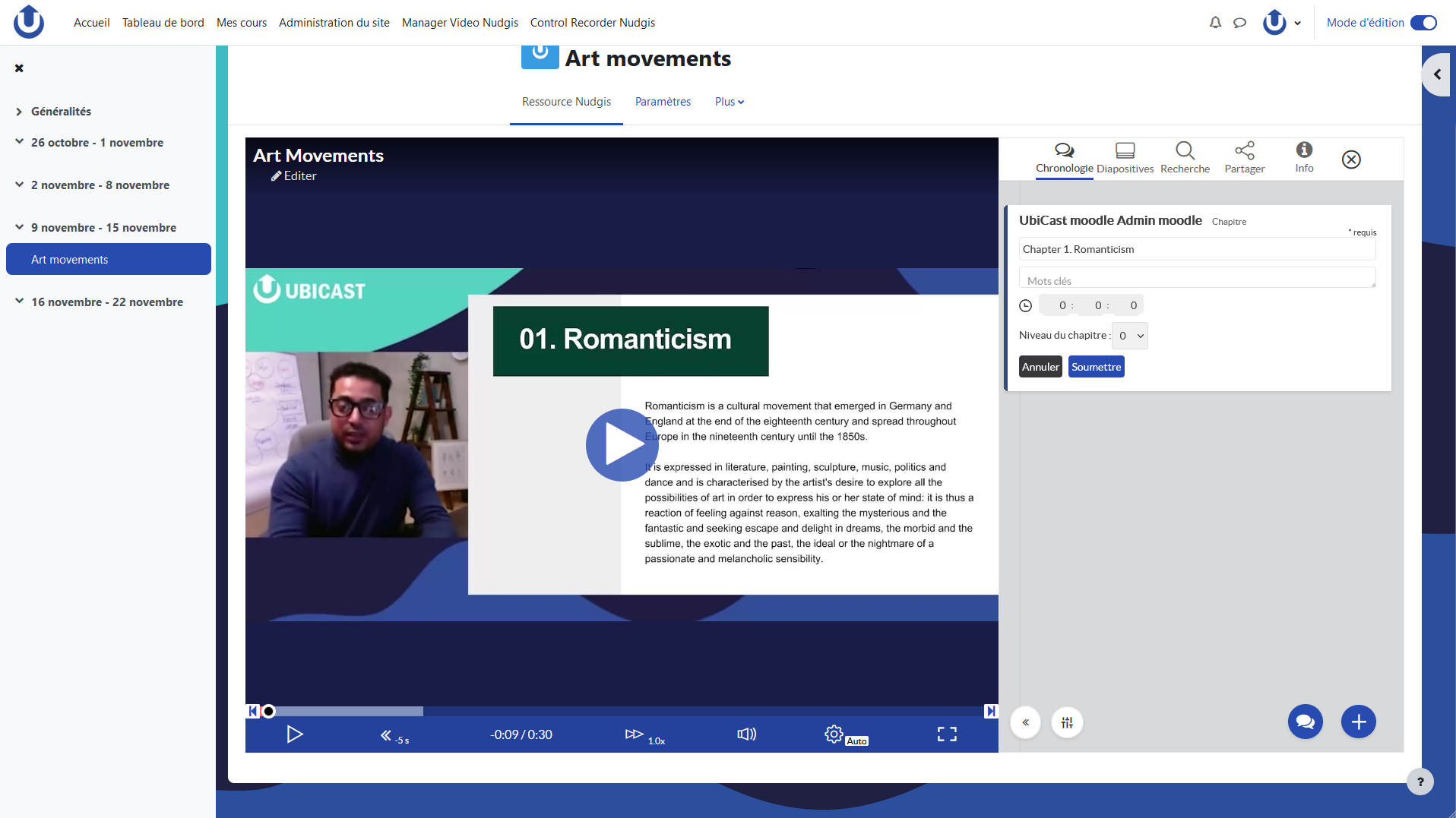
Edit, personalise and enrich your recordings.


All the Nudgis features are available in Moodle, allowing you to choose a video background to fit the visual identity of your academic institution, and more importantly: to edit (add a title, trim, etc.) and enrich the video with social and editorial annotations (attachments, chapters, comments, quizzes etc.) to improve the learning experience of your students!

Edit video in Moodle
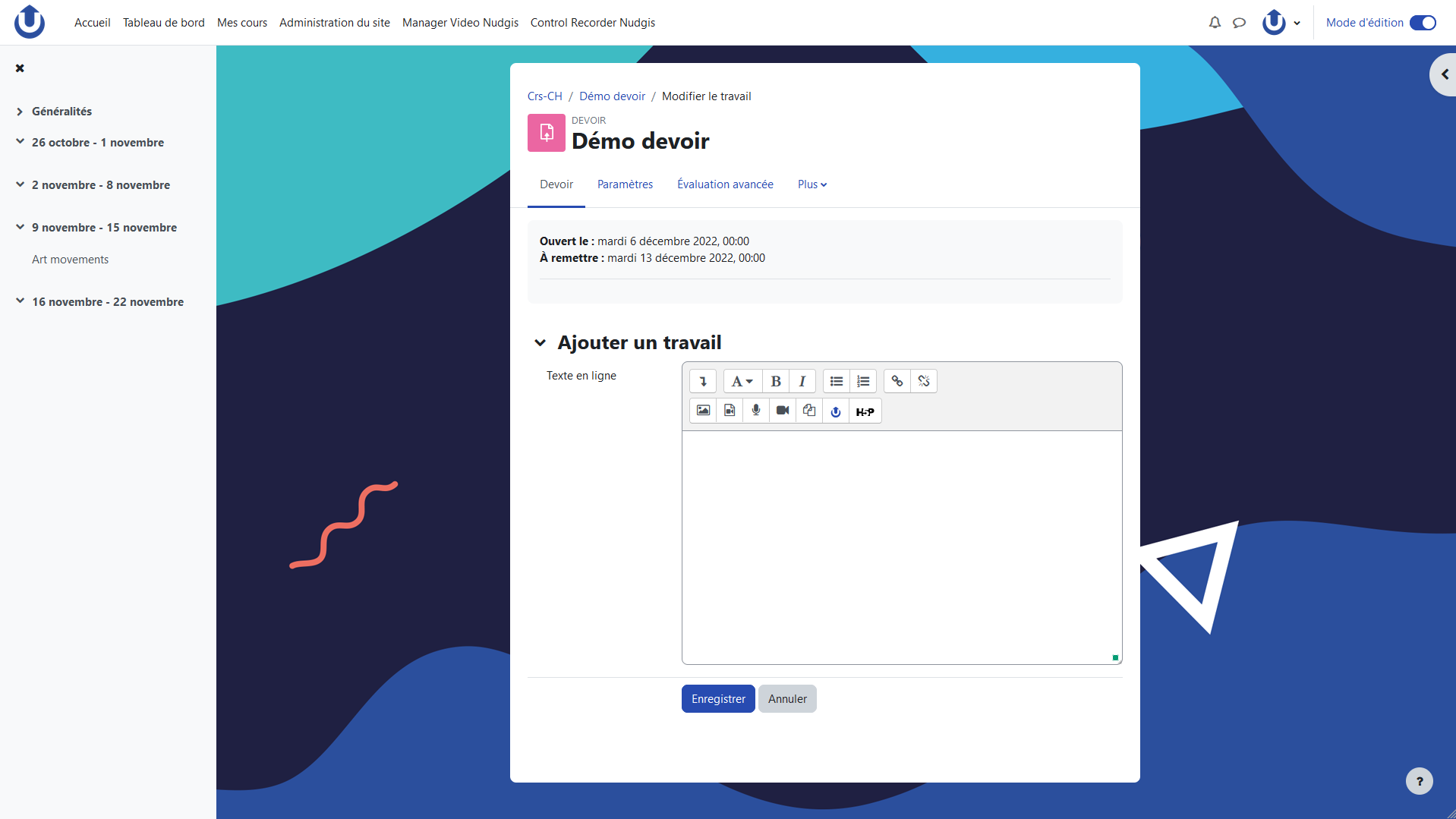
student engagement in Moodle

Use video assignments to boost student engagement.


Students too can create impactful videos from Moodle! All they have to do is click the start button, record and attach the video to the assignment previously created by the teacher. They can enrich it and edit it if needed. Once the assignment is completed, the teacher receives a notification and can now assess the student's work.

Learn more about the Nudgis integration for Moodle.

Explore our tutorials to learn more about integrating Nudgis with Moodle and other LMS platforms.

They use Nudgis and Moodle


up to top